GPS Waypoints can also be used for personal entertainment, like outdoor activities, geocaching, travel and other non-professional activities. The usage is oriented to skilful and creatives users, that want to keep data privacy restricted to their handset and want to manage the surveying datasets.
Outdoor entertainment
 |
 |
|
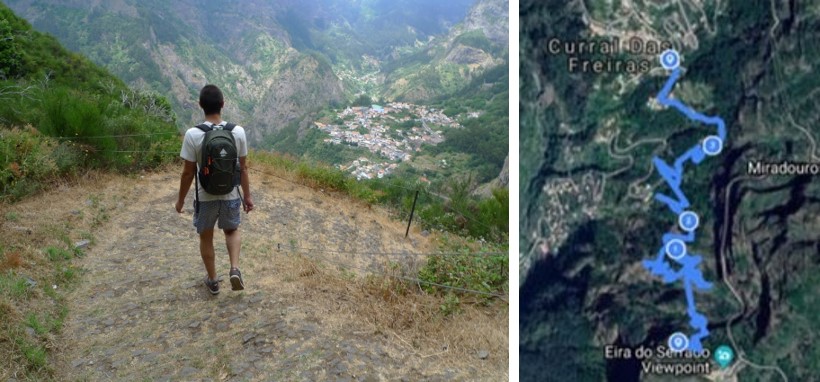
| Auto track a walking route with GPX export to MapMyFitness |
Auto track a cycling trail with GPX export to Strava |
This application can be used by Geocaching players too. Geocaching players can add and tag the points where they find a geocache.
Travelling
 |
 |
 |
|
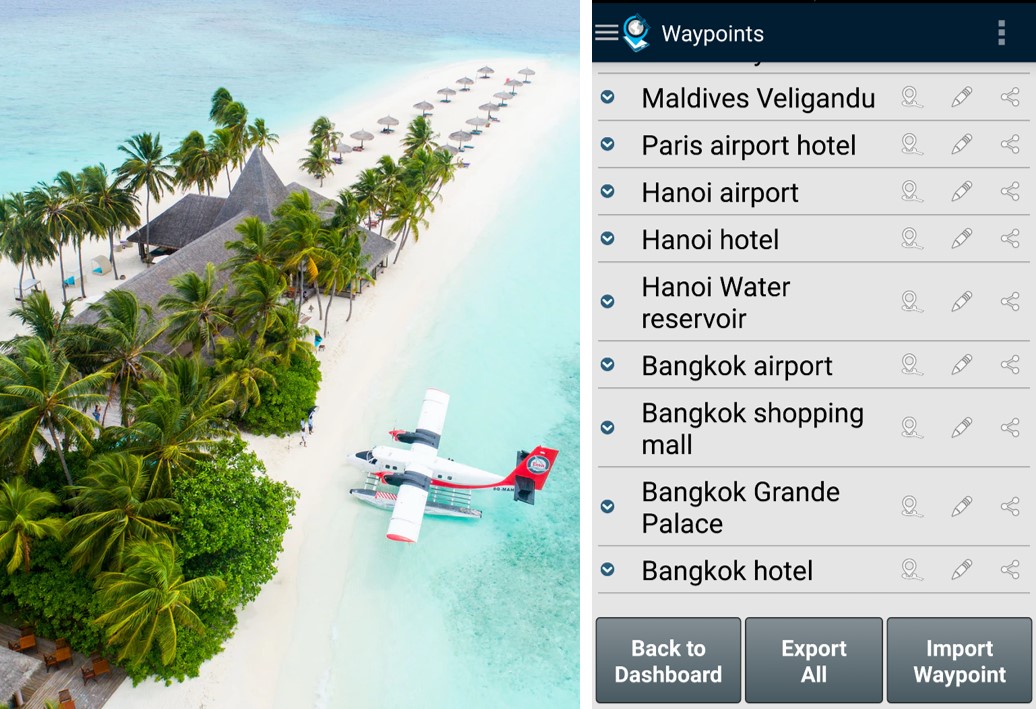
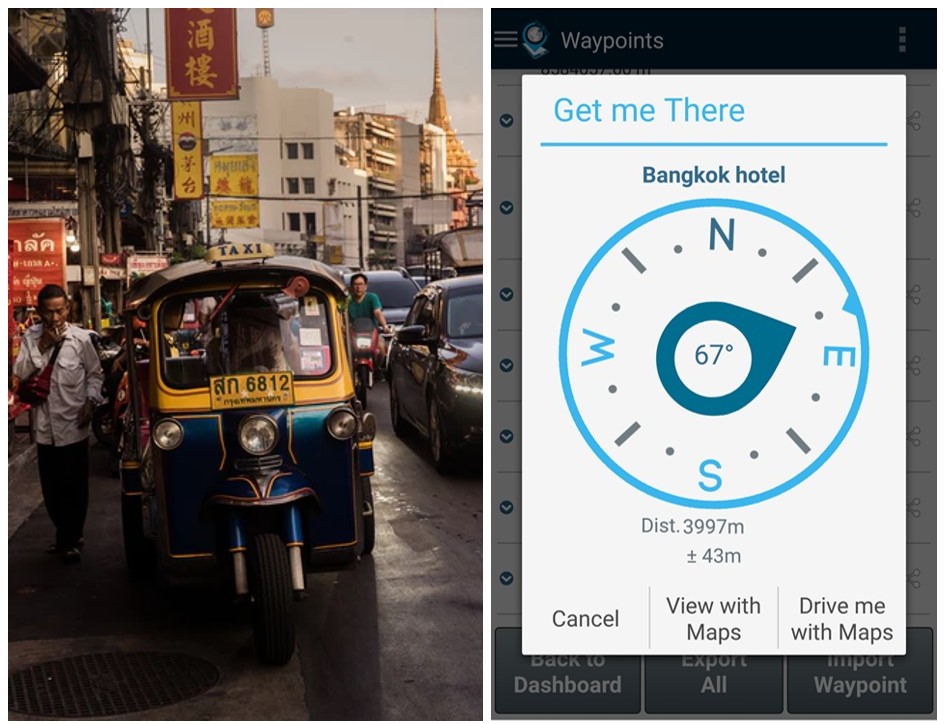
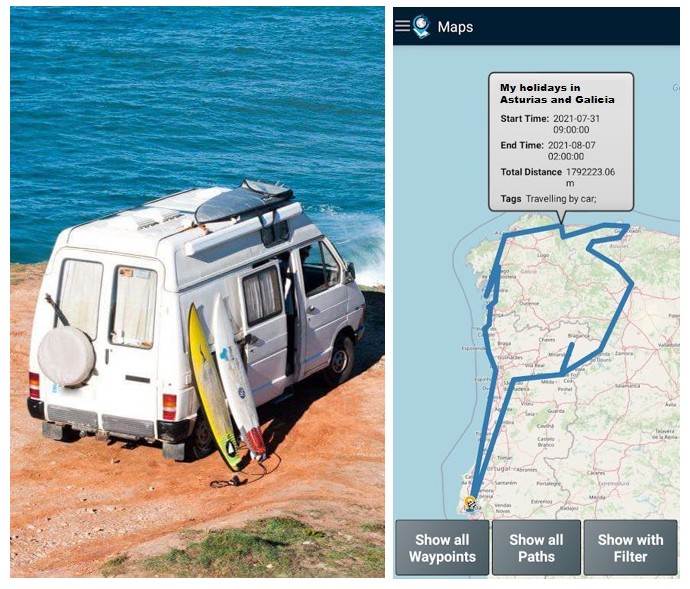
| Save the location of your visited places | Save your hotel location and get directions back to it | Record your road itinerary using the Points saved |
Day-to-day life
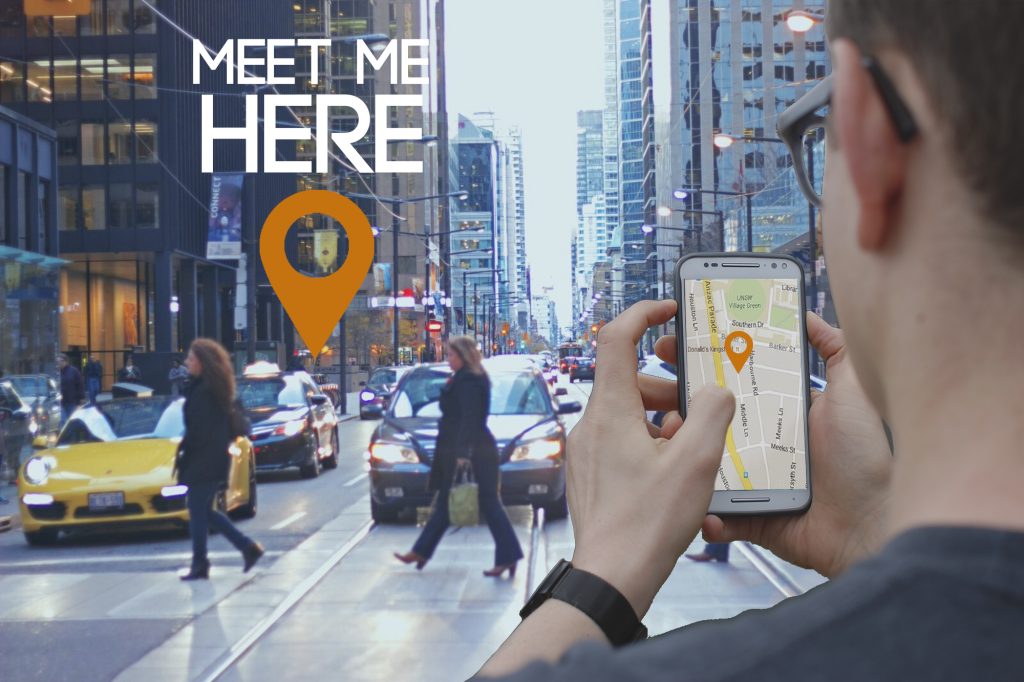
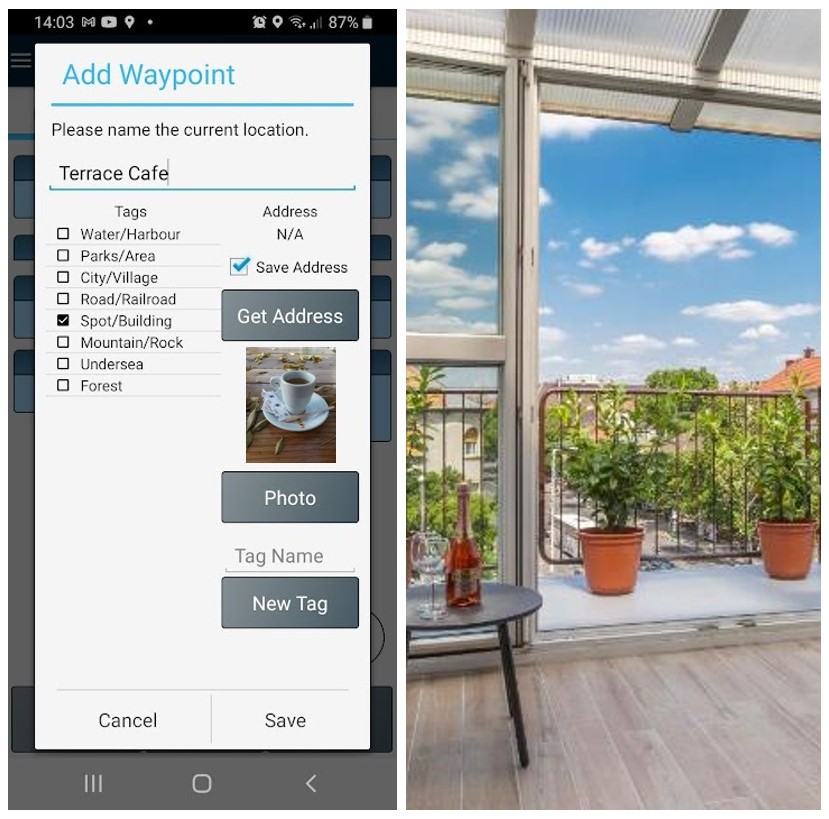
GPS Waypoints is convenient for mass market users to save their Points of Interests (homeland favourite places, friend’s contacts or just meeting points) and share their locations with someone else (they want to meet) via any messaging application e.g. SMS or E-mail. The meeting person can check the place clicking on the shared URL with place location and check the PoI address (geocode feature). Furthermore, a user can easily send someone else their current location to be found (Find me).
 |
 |
|
| Share your location or meeting point | Save your homeland favourite places and sort them by proximity |

